CANopen Architect Professional
Part No.: MPEM-CANopen-Architect-Professional
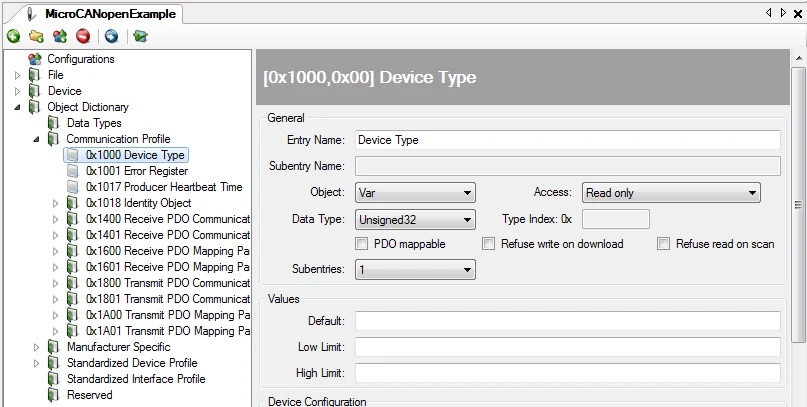
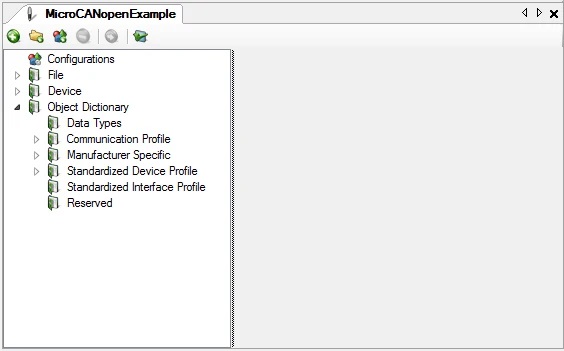
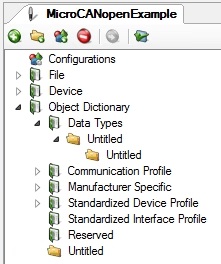
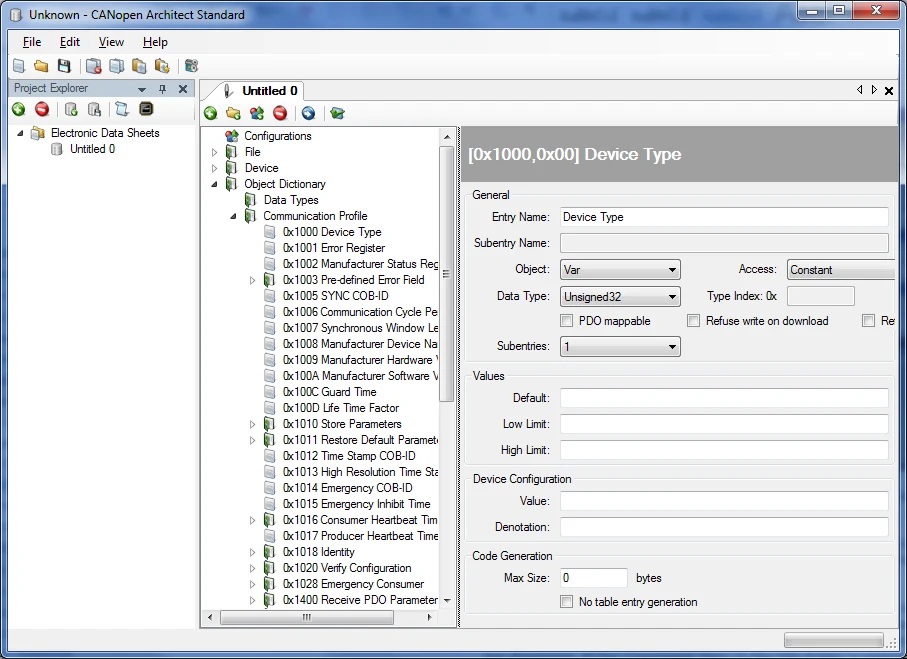
This comprehensive tool provides an intuitive user interface featuring an easy-to-navigate tree view for rapid project handling, including copy/paste and drag-and-drop capabilities.
Product Description
Description
Simplify the creation, editing, and management of Electronic Datasheets (EDS/XDD) and Device Configuration Files (DCF/XDC) with CANopen Architect Professional. This comprehensive tool provides an intuitive user interface featuring an easy-to-navigate tree view for rapid project handling, including copy/paste and drag-and-drop capabilities.
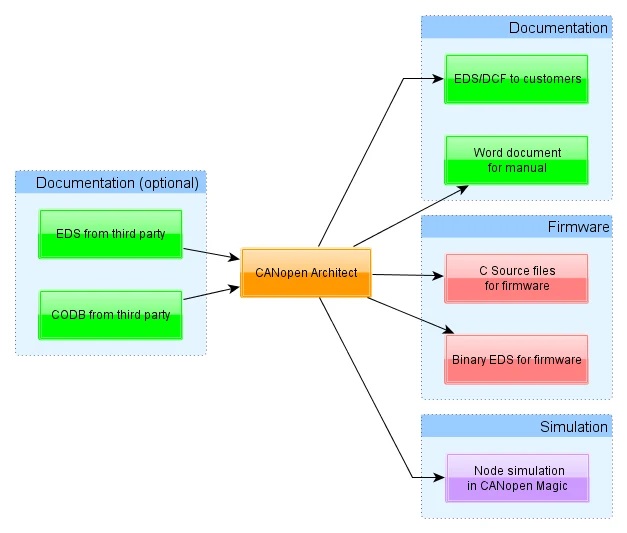
Effortlessly generate accurate and detailed EDS/XDD files, crucial for integrating CANopen and CANopen FD nodes into networks and for documenting device capabilities clearly and consistently. Leverage powerful features such as command-line operations, a PDO configuration editor, automatic report generation, documentation exports, and direct CANopen stack configuration exports compatible with MicroCANopen Plus.
Ideal for managing complex projects with numerous similar node configurations, CANopen Architect Professional streamlines your workflow, ensuring efficiency and consistency across your CANopen and CANopen FD projects.
Features
The following is a list of features in CANopen Architect Professional. The list is not exhaustive by any means, but does give a good overview of the abilities of the software.
-
Add, edit and delete entries
- Add a single entry or an entry with multiple subentries in one step
- Automatic generation of subentry zero for entries with more than one subentry
- Specify names for the entry and subentries
- Edit multiple EDS/DCFs at the same time, sharing data between them to define an entire network
-
Cut, copy and paste any data between EDS/DCFs
- Allows quick copy of data between multiple EDS or DCFs
- Paste As allows pasting of clipboard data to specific entry indexes, using specific names, allowing duplicates of entries to be quickly created
-
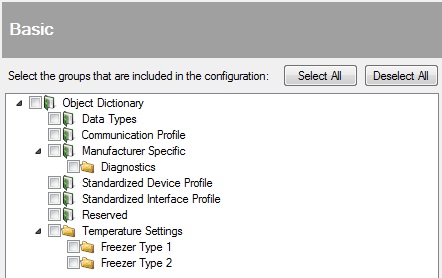
User-defined groups
- Arbitrary grouping of entries
- Create custom logical hierarchies
- Unlimited nesting of groups
-
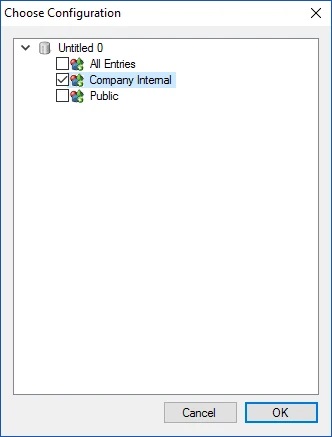
Configurations
- Define what should be exported
- Multiple configurations for different situtions
-
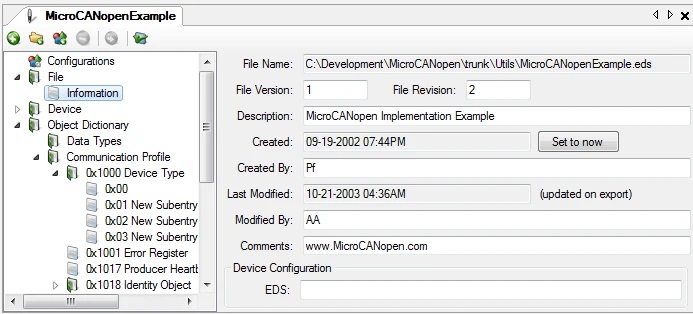
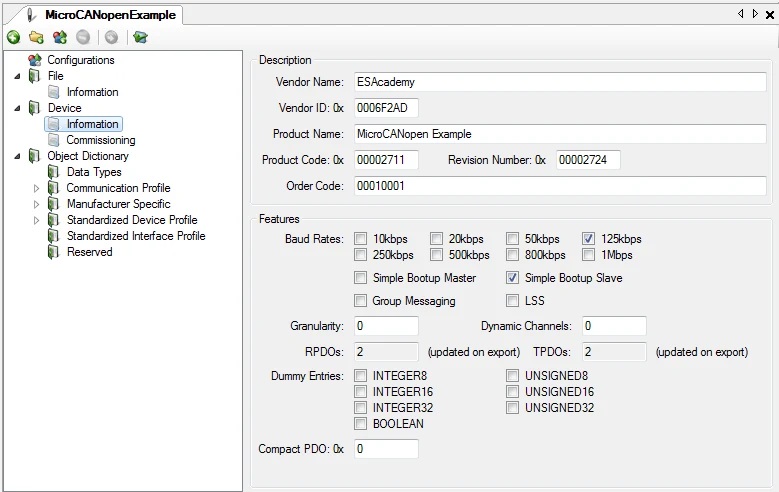
Specify file information
- Device information, file information, etc.
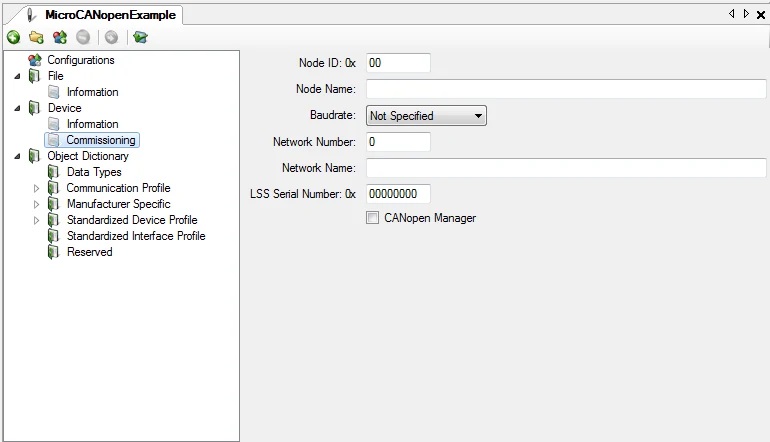
- Supports the configuration of device commissioning
- Import CANopen Database (CODB) files
-
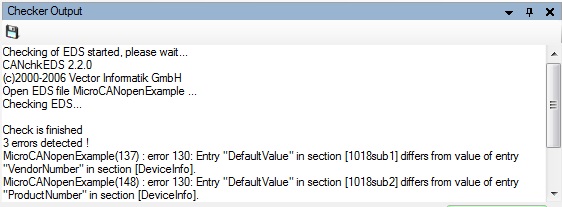
Integrated EDS checker against CiA301 and optionally device profiles
- Outputs to a window which supports copying to clipboard for use in reports
- EDS checkers inform of warnings or errors in data
-
Supports third party EDS checkers
- Customizable command line provides flexibility
- Outputs to a window which supports copying to clipboard for use in reports
- EDS checkers inform of warnings or errors in data
-
Export to MicroCANopen Plus CANopen stack
- Export C source file, binary or binary in source
- Quick and easy stack configuration
-
Flexible user interface
- Drag and drop groups and entries in an EDS/DCF or between EDS/DCFs
- Rearrange EDS/DCFs side-by-side for comparison
- Group related EDS/DCFs together
-
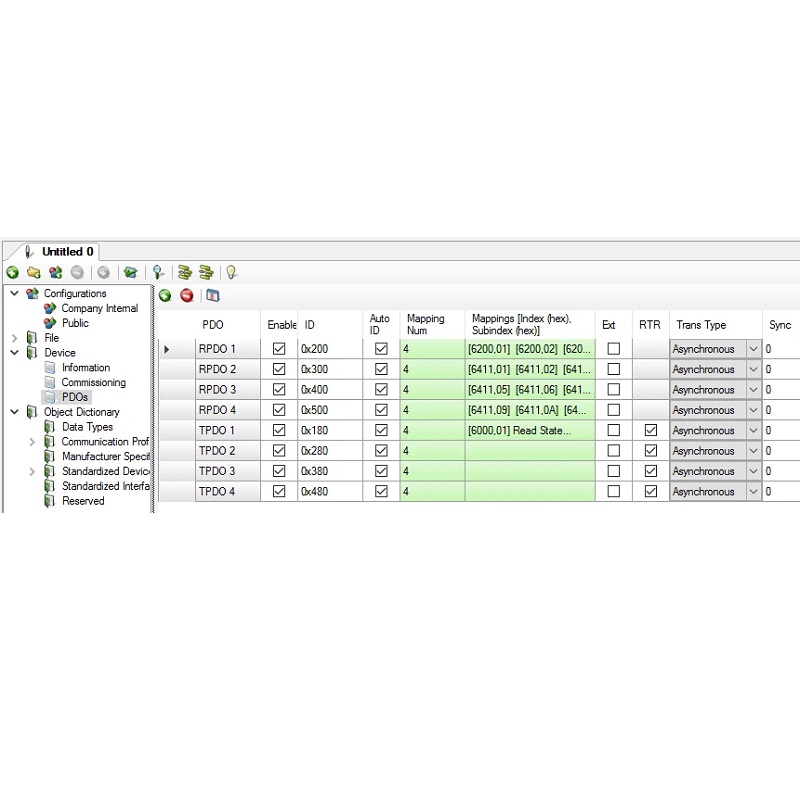
PDO Configuration
- Simplified creation and editing of PDOs
- Works at a higher level than the Object Dictionary
- Quick overview of identifiers and mappings
-
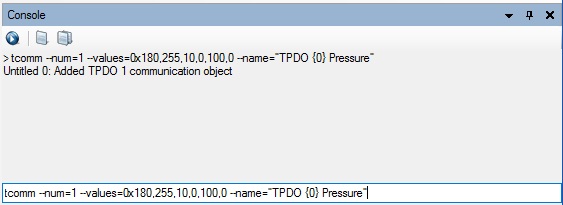
Console
- Command line interface to perform mass operations quickly
- Can load and execute files containing commands for automated changes
- Command history retained for quick access to previous commands
-
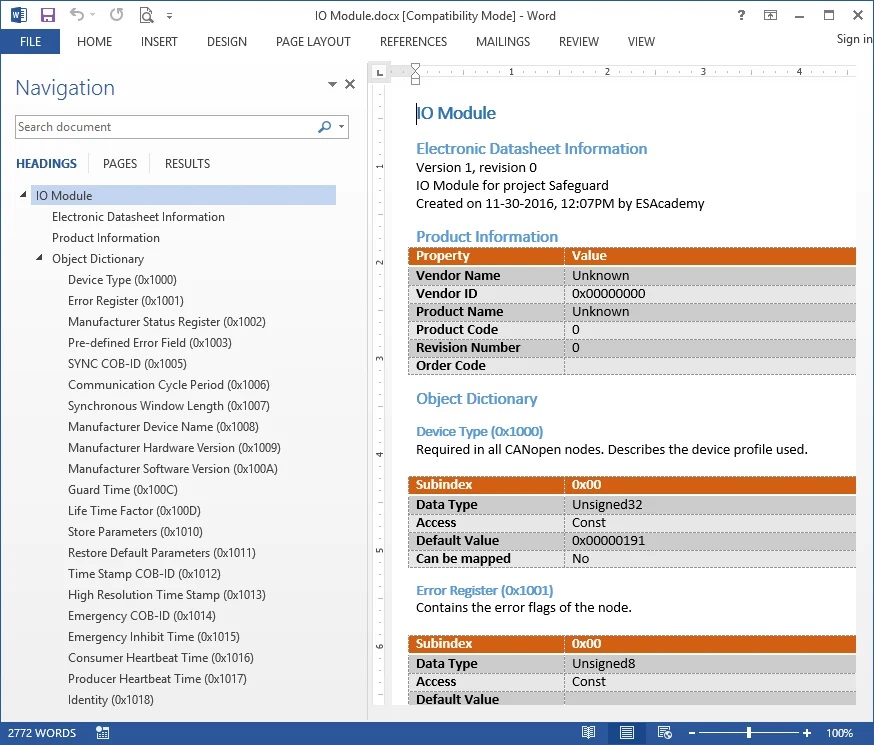
Documentation Export
- Export the EDS or all EDSs to Word Documents
- Templating and styling options provided
- Ideal for creating product manuals and documentation
Note:
2. EOL products will not be notified separately.
3. Product images are for reference only. Actual products may vary depending on the version or specifications.
4. Product information, specifications, and availability are subject to confirmation at the time of order.